All-in-One
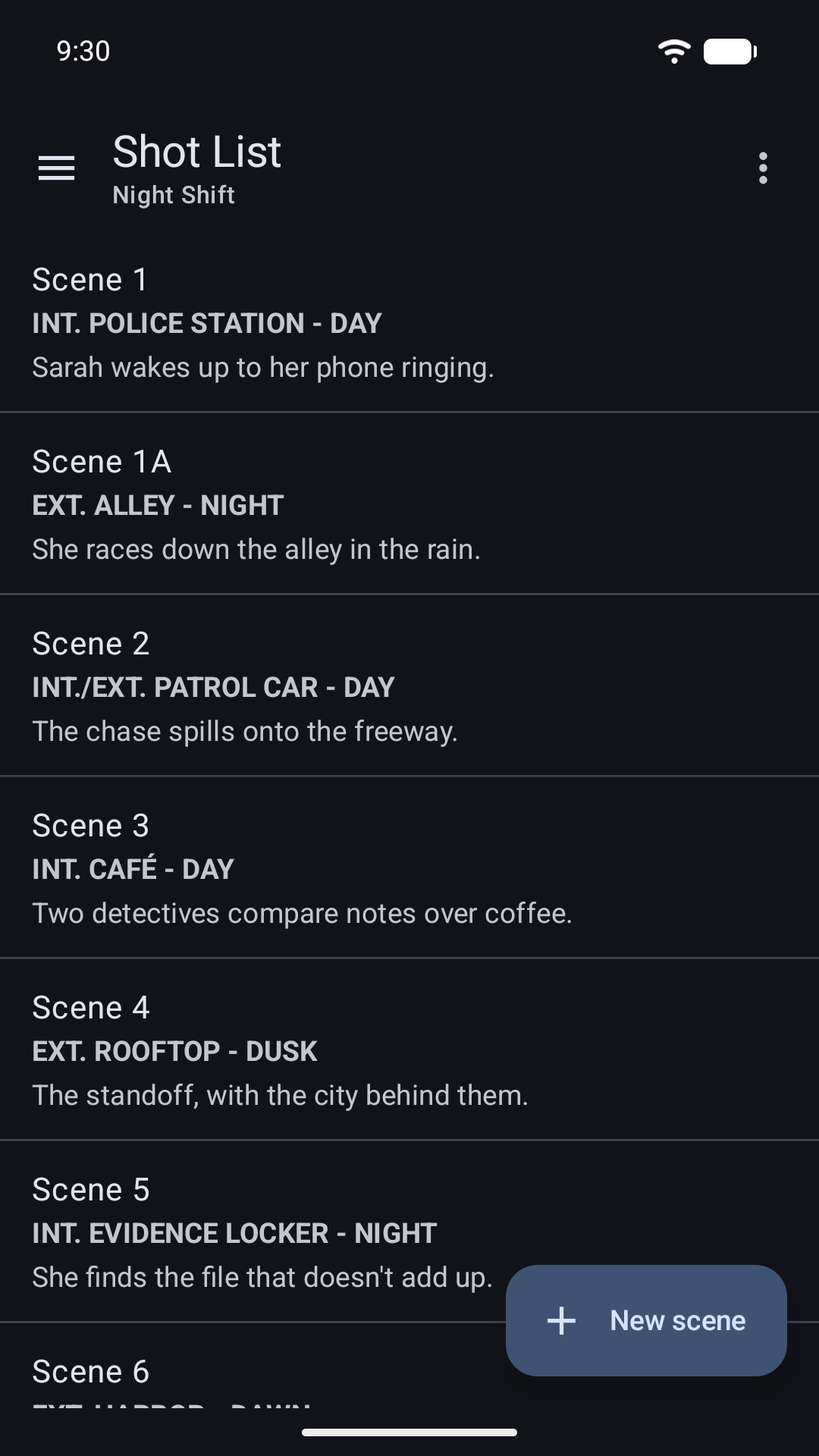
Shot Lists
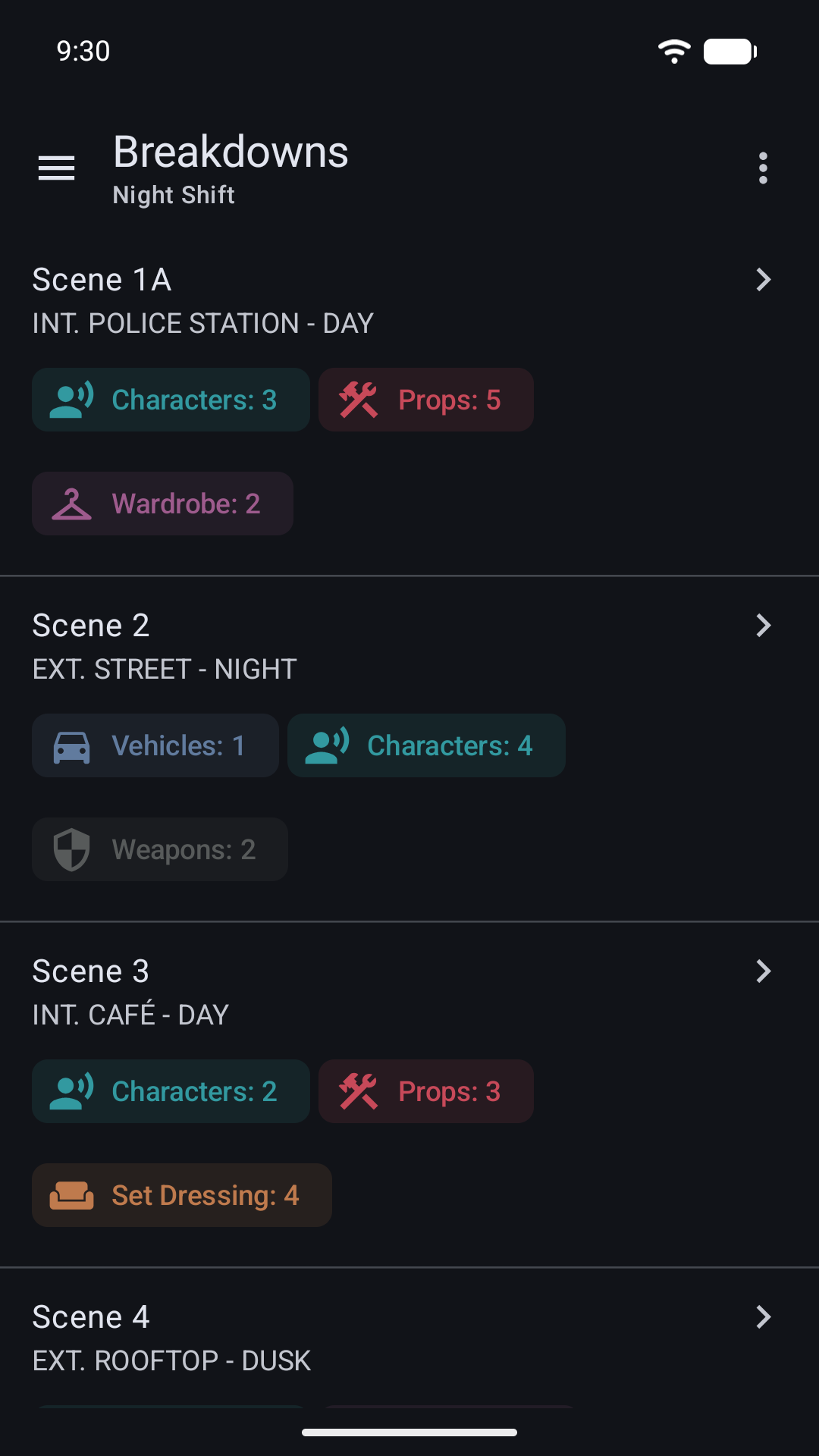
Breakdowns
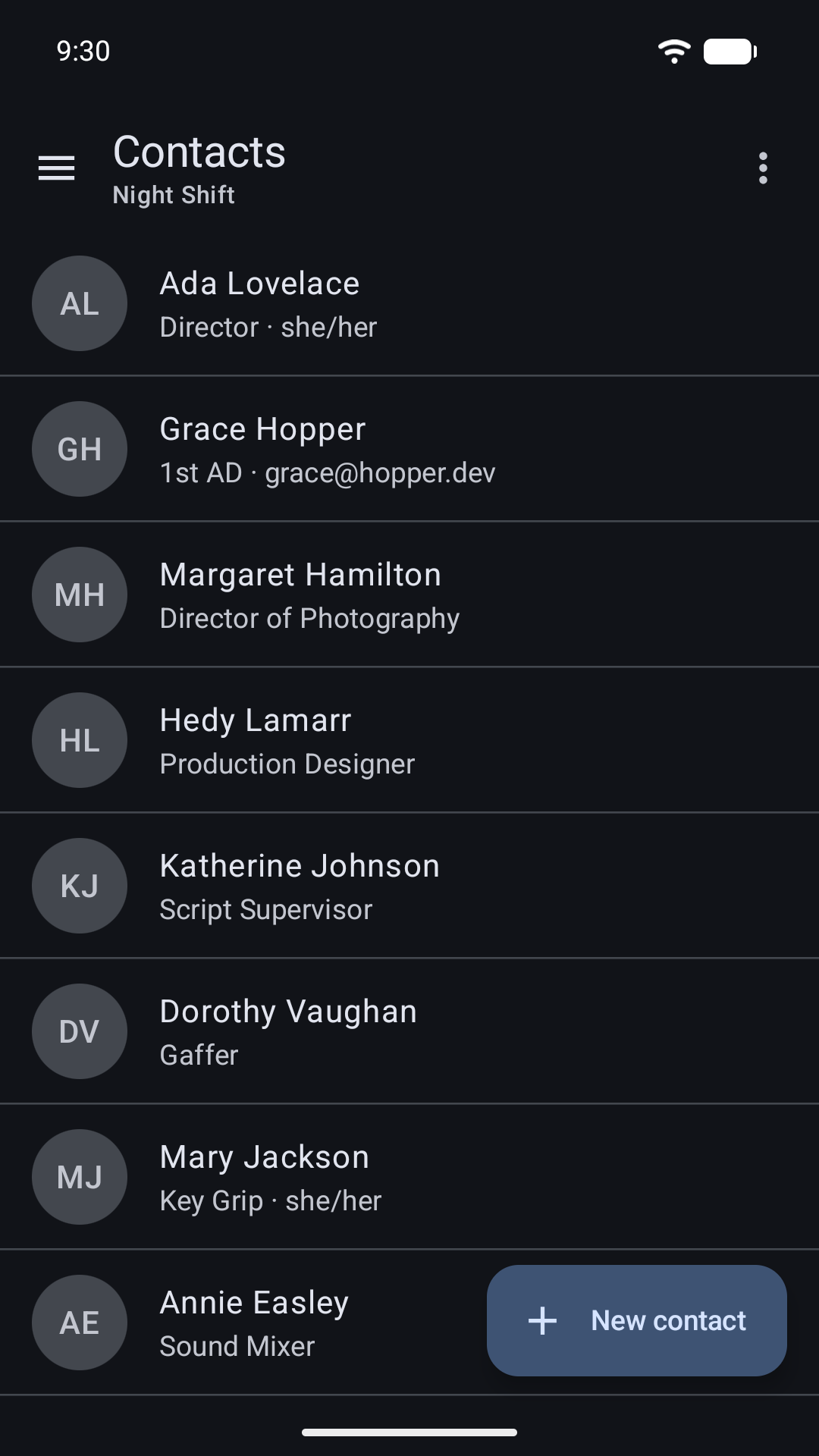
Contacts
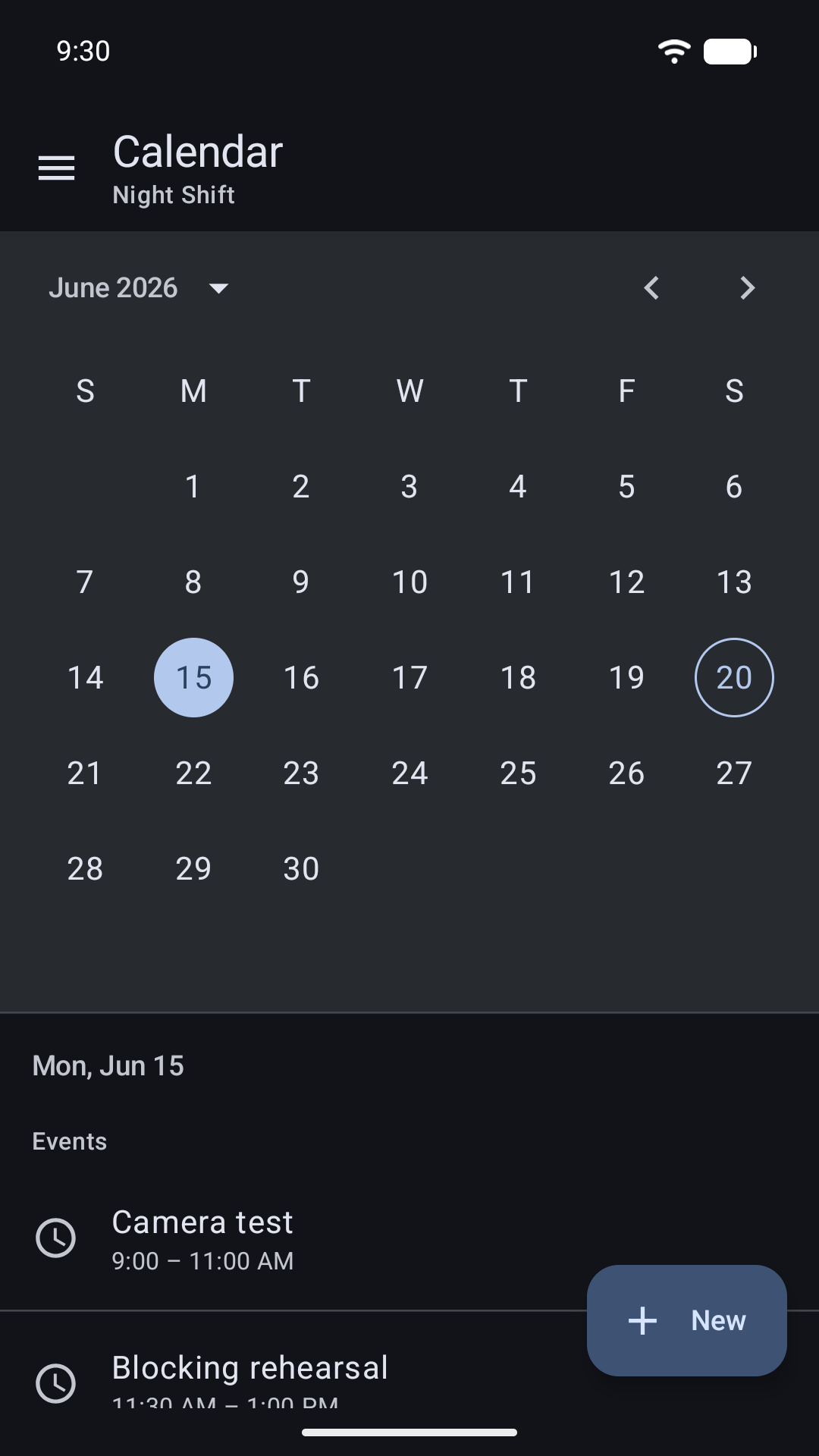
Calendars
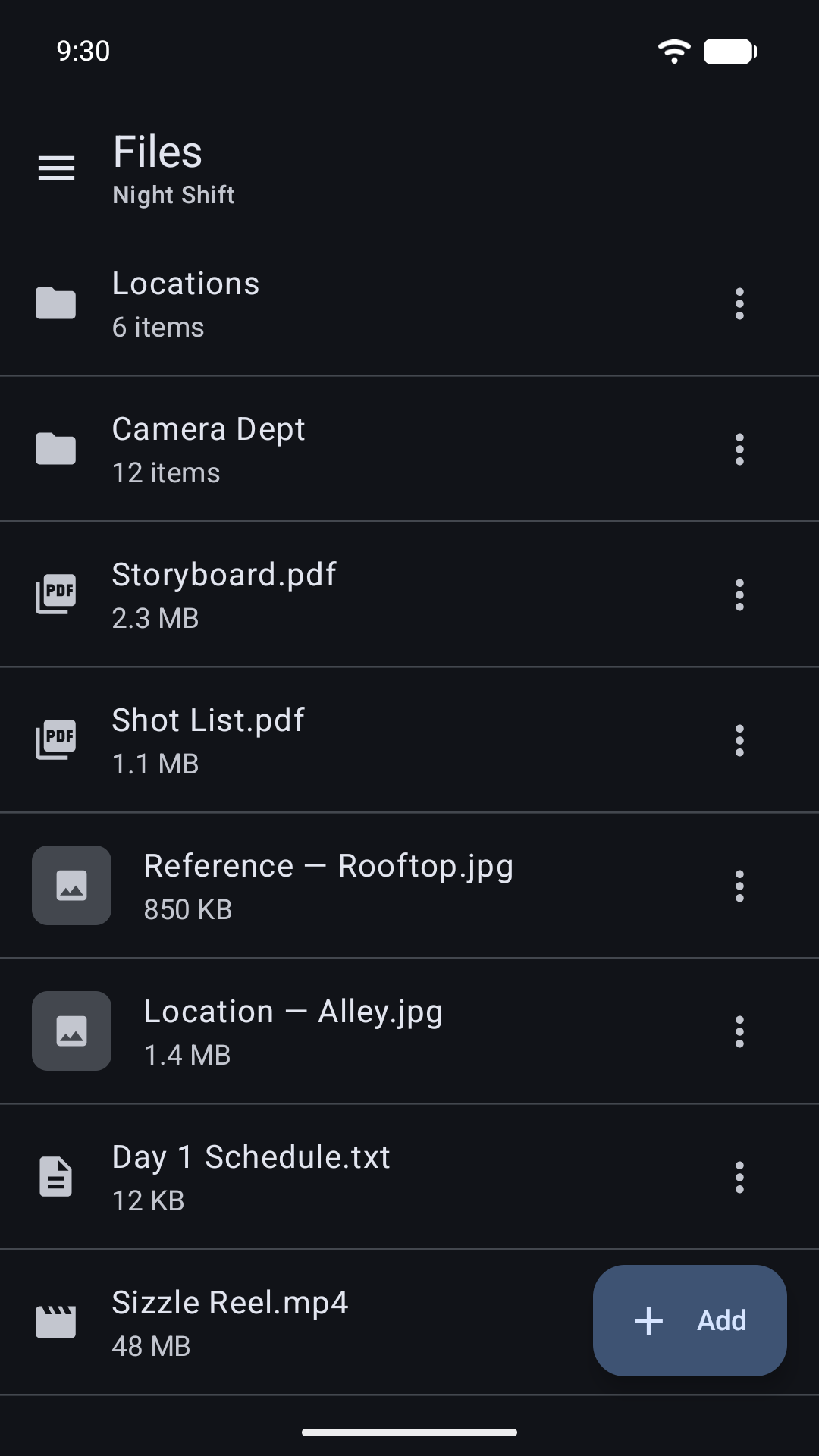
Files
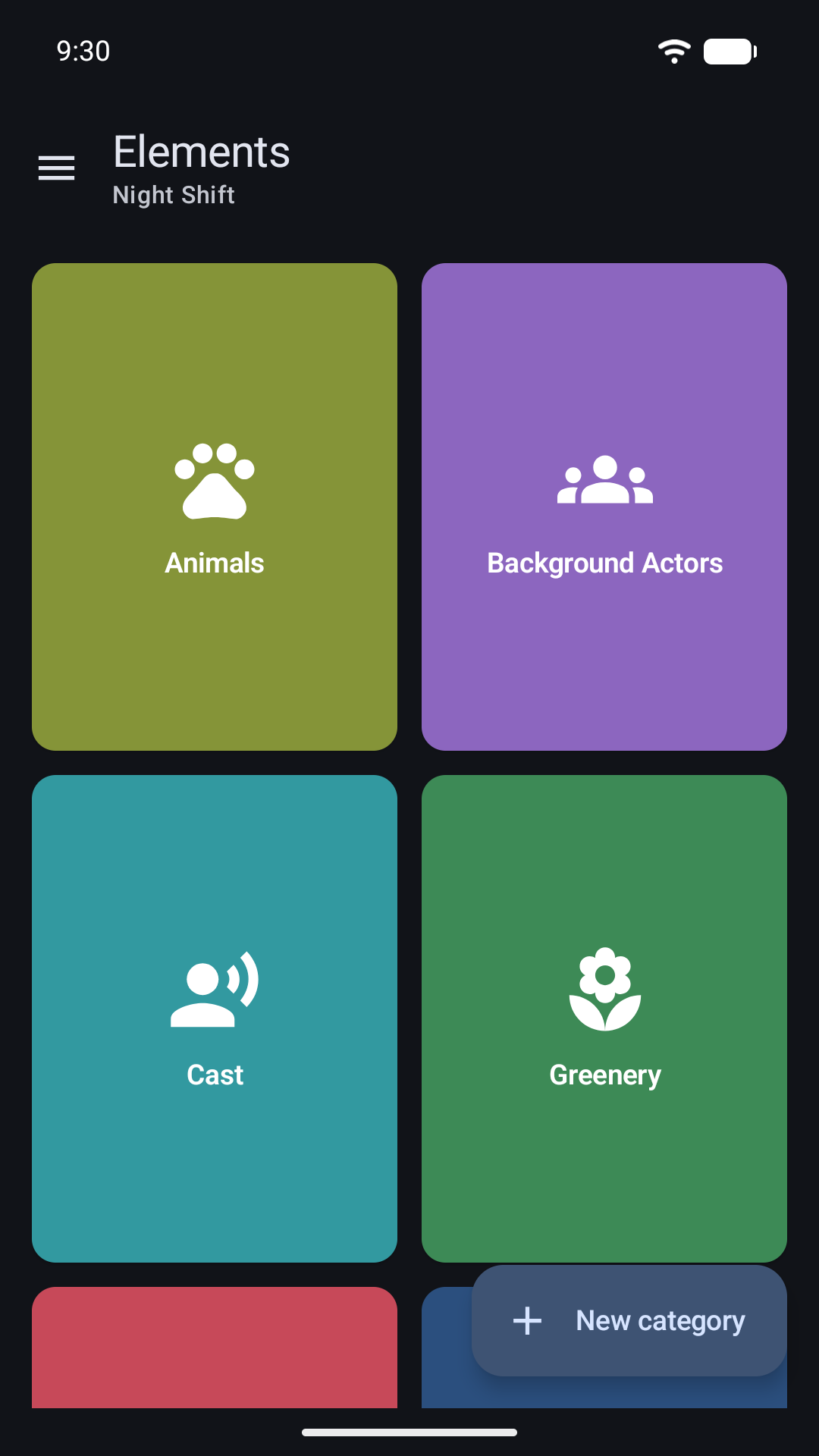
Elements
How to become a tester
1. Join the “Masterbook Apps” Google Group
The Android beta is open to members of the Masterbook Apps group. Join with the Google account you'll use on your phone.
Join the group2. Accept the invitation
On your Android phone, sign in to Google Play with the same account you used to join the group, then open the link below and tap “Become a tester” to accept the invitation.
Accept the invitation3. Install from Google Play
Once you're a tester, install Masterbook from Google Play. It can take a few minutes to appear after you accept the invitation.

Minimum requirements
- Android phone or tablet with Android 11 or later.
- A Google account that's a member of the Masterbook Apps group.